- Video conferencing
- LMS
- Virtual classroom
- A direct comparison
- So which one wins?
Here’s the short answer before the long one: video conferencing runs the live call, an LMS stores the course content, and a virtual classroom does both, the live teaching and everything around it, in one place. Most people teaching online end up using the first two together and calling it a classroom. It isn’t. And that gap is where most of the frustration comes from.
Now the longer version.
Video conferencing tools and LMSs have one thing in common: both have been widely adopted since the 1990s. The term “virtual classroom” has been around just as long, it’s simply never been as common in people’s vocabulary as “video call” or “LMS.”
Which brings us to a strange reality in the post-COVID era. Everyone, from independent tutors to large institutes, would rather sign up for a Zoom or Meet call to run their online classes than try the kind of tool that was actually built for the job.
So let’s discuss the obvious. LMSs and video conferencing tools are both used to conduct online classes. But were they built with any pedagogical principles in mind? Are they designed to gauge and improve how well students actually learn? Or are they just a medium that keeps us engaged long enough that, one day, we’re stuck in the quicksand of it all and can’t climb out?
Let’s talk about it.
Video conferencing
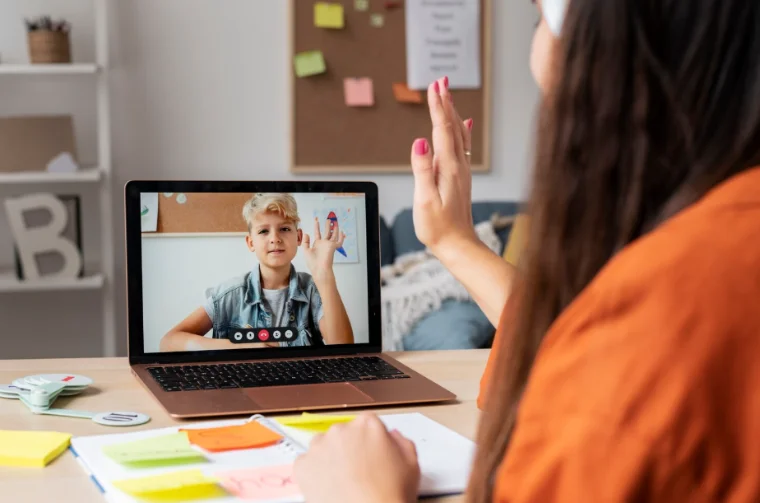
A video conferencing tool is a real-time communication platform. It lets you audio or video chat with one or more people.
Those people are usually called participants, when it’s a short meeting or a sync-up where everyone’s just catching up on something. Sometimes they’re called attendees, when the call is really a broadcast: communication flows one way, and people are “attending” to receive information.
Students are neither. Teaching and learning is not a sync-up, and it’s not a one-way broadcast.
If you’re weighing this up specifically, here’s a closer look at Zoom vs an LMS vs a virtual classroom.
To be fair, video conferencing tools do have some collaborative features now, a chat, a whiteboard, and if you’re lucky, a library of ten thousand app plugins: twenty for quizzing, another twenty for polling, and yes, another twenty for scoring.
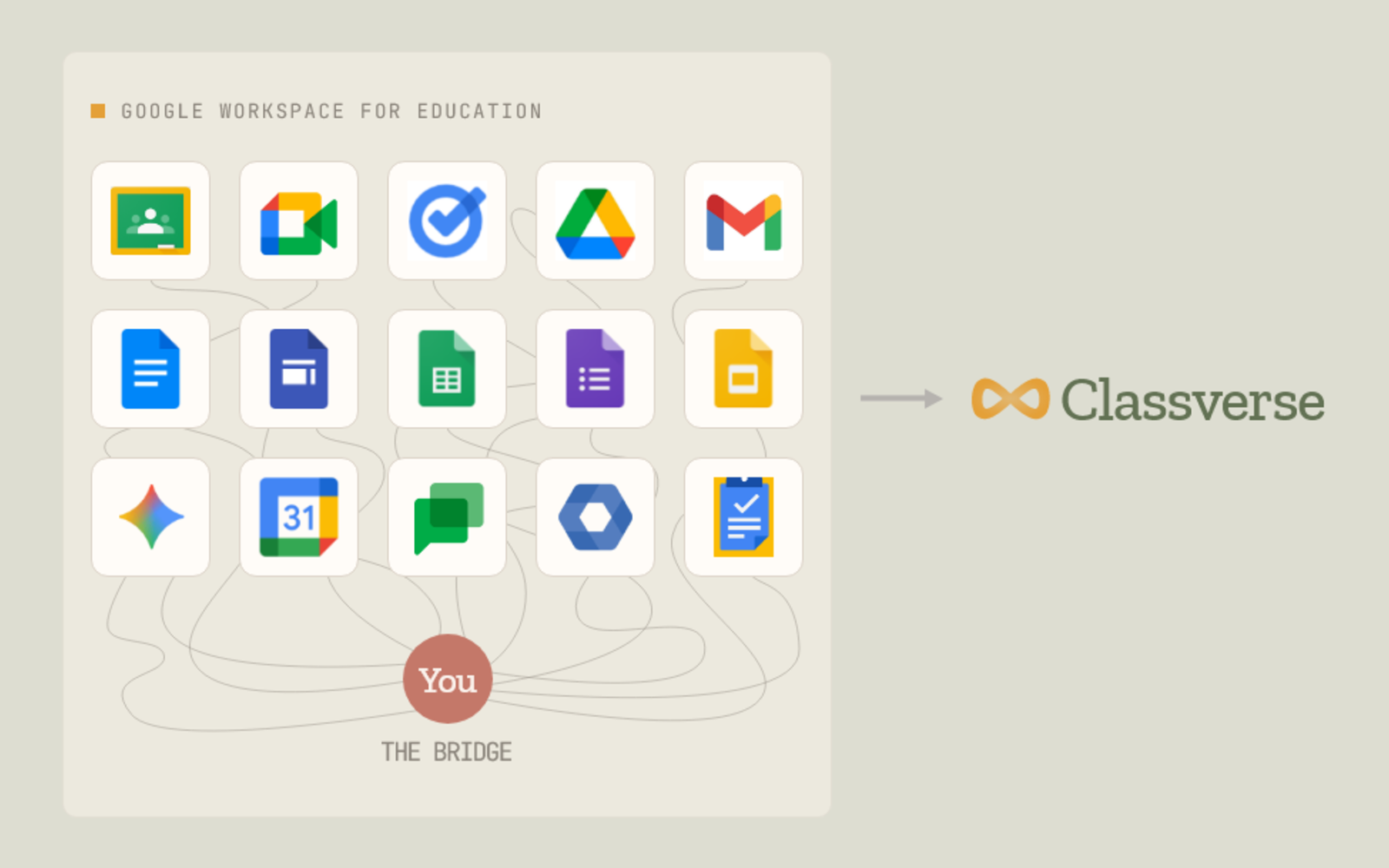
And if you’re luckier still, your video tool is part of a bigger collaboration suite, Meet inside Google Workspace, or Teams inside Microsoft 365. Then, voilà: instead of muddling through 200 plugins like in Zoom, you now get to switch between 20 different product lines and pretend they’re one product.
LMS
An LMS is a content storage platform. It holds the teaching and learning content, quizzes, assignments, recordings, course materials like PDFs and worksheets, attendance records, and so on.
Think of it as a digital record of everything related to a course. What it doesn’t do is facilitate the actual classroom. It’s mostly used as a record, or an afterthought, and it works best for strictly physical classrooms that still want some digital presence: a place to keep records, or to keep students and parents updated on how things are going.
LMSs did, of course, try to hop on the post-COVID bandwagon. They had to have the video conferencing integration, a place to create the “classroom” inside the LMS, and a button to jump into the Meet or Zoom room when it’s time. But it’s a strange two-sided pact. What happens in the LMS stays in the LMS, with no awareness of the class that just took place. And whatever happened in the live class vanishes the moment the call ends, with no awareness of the LMS.
Google Classroom is the clearest example of this split, we broke it down here: Classverse vs Google Classroom.
I think we can all see where this is heading, and why we need to talk about the third option.
Virtual classroom
A virtual classroom is an online space where a teacher meets their students to teach, using whichever methods work best, with the actual goal of good learning outcomes. The point isn’t a mountain of collaboration tools, or a huge feature list inside each one. The point is to achieve maximum learning effectiveness, while minimizing admin and teacher overhead.
A good virtual classroom solution follows the six basic principles mentioned below.
1. Persistence
Nobody, not even the teacher, should have to stay back after every class stitching the loose pieces together. No re-uploading the worksheet to the LMS because it was shared in the video call chat and vanished when the call ended. Because a virtual classroom is persistent, nothing disappears. Everything the teacher and students create together adds up to something: it becomes the classroom’s data.
2. Integrability
When the value of a class is split across a dozen plugged-in apps, it’s almost impossible to evaluate it or build anything on top of it.
3. Reusability
No teacher I know enjoys repetitive work. Why can’t I reuse the quiz I built for Class A in Class B? Why can’t I use last year’s assignment or presentation for this year’s batch, without scrambling the stats? (Sorry, Google Classroom doesn't call it a quiz, it calls it a “Form.” And reusing the same Form across classes doesn’t keep the responses separate, it just aggregates everything, because they’re running a corporate suite, not a classroom.)
4. Instructor controls
Not the “host.” Not the “speaker.” The instructor. Period.
5. Student accessibility
Students want simpler things now. One login, not ten. One place that shows them everything: their running classes, all their coursework, all their grades, their “needs attention” list. Mobile access, a lightweight system, an architecture simple enough to feel like butter to use. And above all, a tool that doesn’t treat them as a “participant” or an “attendee,” but as a student, someone there to learn or upskill, who can track their own performance before things go wrong.
6. Insights
The data was always there. Video conferencing and LMS tools just can’t aggregate and present it the way educational institutions actually need. Learner engagement, learner performance, teacher and student attendance, teaching efficiency, instructor promptness, the capacity and efficiency of the whole operation, and much more. Stats nobody talks about, because that’s not what a video call is for. Or, in the LMS’s case, because the class never happened in its world at all. Or, in the collaboration suite’s case, because the value is scattered across 15 different product lines. (Shoutout: Google Classroom.)
A direct comparison
Here’s how they compare across the basics of virtual teaching and learning:
So which one wins?
- Video conferencing is for a conversation. It ends when the call ends.
- An LMS is for storing a course. It remembers your content, but it can’t run the class.
- A virtual classroom is for teaching a group over time. It runs the live class and keeps everything afterward.
I think institute admins, teachers, and students can fairly see for themselves which tool actually serves them.
That’s exactly why we built Classverse: a virtual classroom that gives you everything you need to manage, teach, and revisit your online classes, in one place. If you’ve been stitching a video tool and an LMS together and calling it a classroom, try it free at classverse.app, and see what the real thing feels like.